edpem Update 4.4: Greater interactivity, scalability and clarity
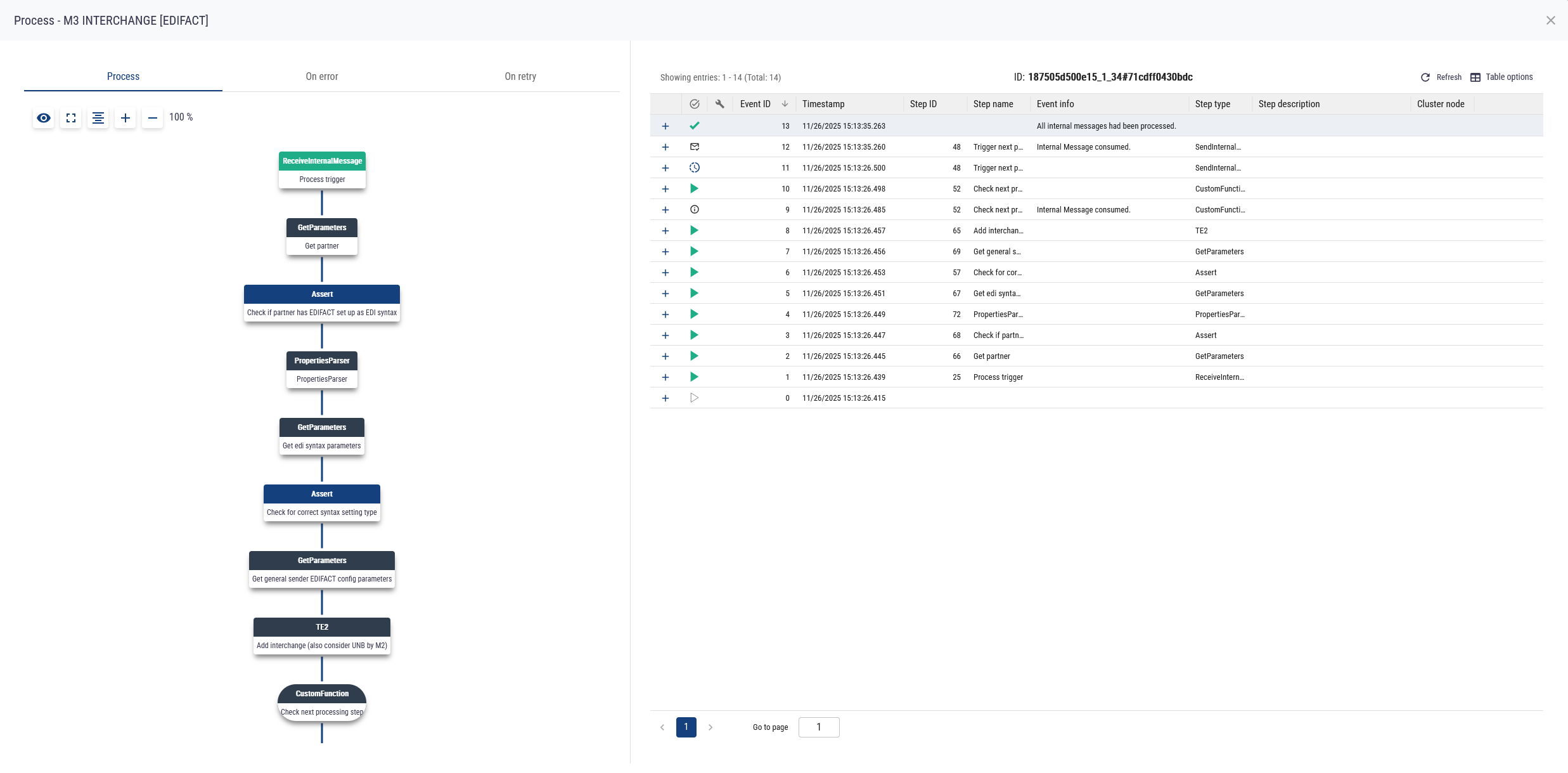
With the latest update to version 4.4, edpem takes business process monitoring to a whole new level. The focus is on active process control via user workflows, improved performance through clustering, and even more precise data visualisation.
.png?width=1856&height=888&name=image%20(49).png)
Release 4.4 transforms edpem from a pure monitoring tool to an interactive control center. Here is an overview of the most important new features:
1. active workflows: From observer to actor
The most significant innovation in edpem 4.4 is the integration of user-controlled workflow actions. Users can now initiate processes in edbic or other backend systems directly from the monitoring interface.
- Context-sensitive buttons: Different action buttons appear depending on the status or attribute of an object.
- Seamless interaction: Sending forms in edpem triggers automated processes in the backend.
- Practical example: When a ship docks at the port, the user can "start customs clearance" directly. edpem triggers the process in edbic, and after a successful check, the status is automatically updated in the port's system and in the edpem view.
2. clustering: ready for enterprise requirements
To ensure a high level of reliability and performance, edpem now supports clustering.
- Scalability: The system grows with your requirements and distributes loads efficiently.
- Reliability: The network of several nodes ensures high availability for monitoring critical business processes.
3. references: An overview of the entire chain
The new reference function provides a standardized method for monitoring related documents and their dependencies.
- Instead of isolated data points, you get a comprehensive overview of the entire relationship chain.
- Links between different business objects are displayed transparently and logically.
4. view conditions: Personalized data filtering
With the new view conditions, data views can be controlled with even greater granularity. Similar to search filters, conditions can be integrated directly into the view.
- Attribute-based filters: You can use view conditions to apply filters to a view, similar to a search. When monitoring invoices, for example, a view condition can only display invoices from 2025 onwards.
- Role-based visibility: You can create multiple views with different conditions so that different users see different sections of the data.
5. optimized installation
Time is money - that's why the installation process has been fundamentally revised. Setting up edpem is much faster and smarter in version 4.4, which massively reduces the time-to-value for new projects.
Conclusion: Update 4.4 makes edpem smarter and more robust. In particular, the linking of monitoring and active process control through workflows closes the gap between analysis and action.


AI expertise instead of loss of control: Why responsibility cannot be delegated
simplepeppol: Peppol simpler than ever